
When I returned home for the weekend, I had to find suitable wheels to use for the robot and construct the robot frame and assemble the robot for final testing.
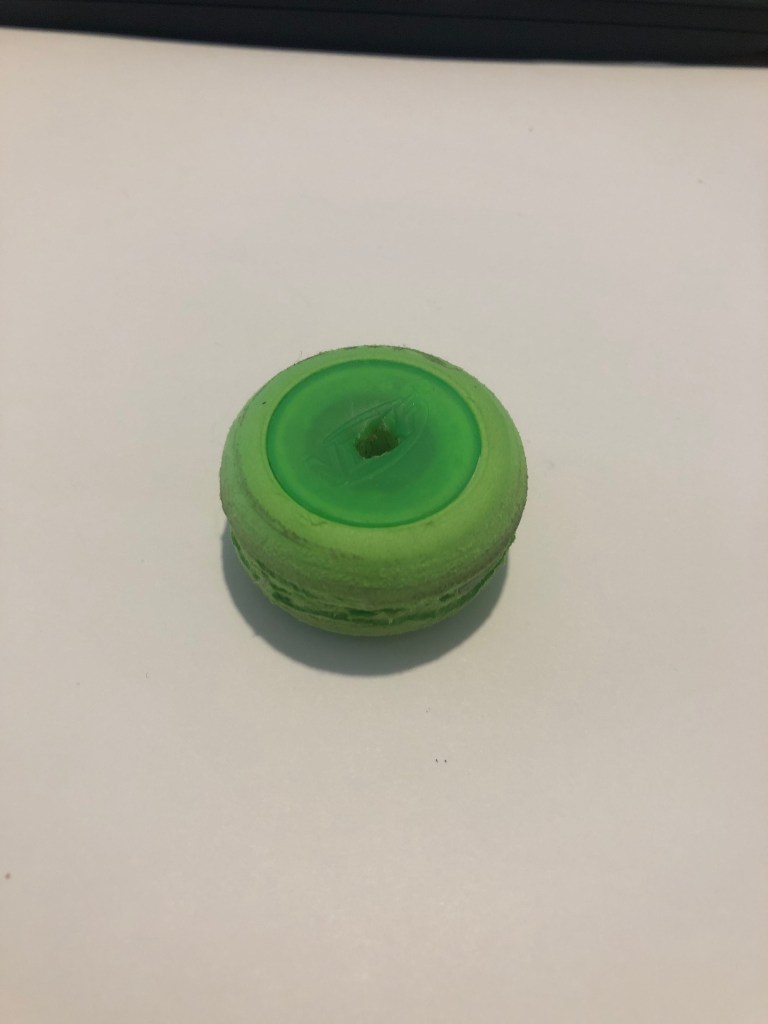
I decided to finalize the wheels first as the robot would have to be designed to fit around these. We had agreed to use wheels which matched the diameter of the wheels we were planning on ordering so that we could settle on an appropriate gear ratio for our final competition. We needed wheels with a 35 mm diameter so i looked through old model cars in the spare room and attic however i didn’t find any. However I found foam and plastic discs which matched the required diameter. I had to fill the centers with epoxy resin, attach 2 discs together and then cut a groove allowing the motors to attach to the wheels.
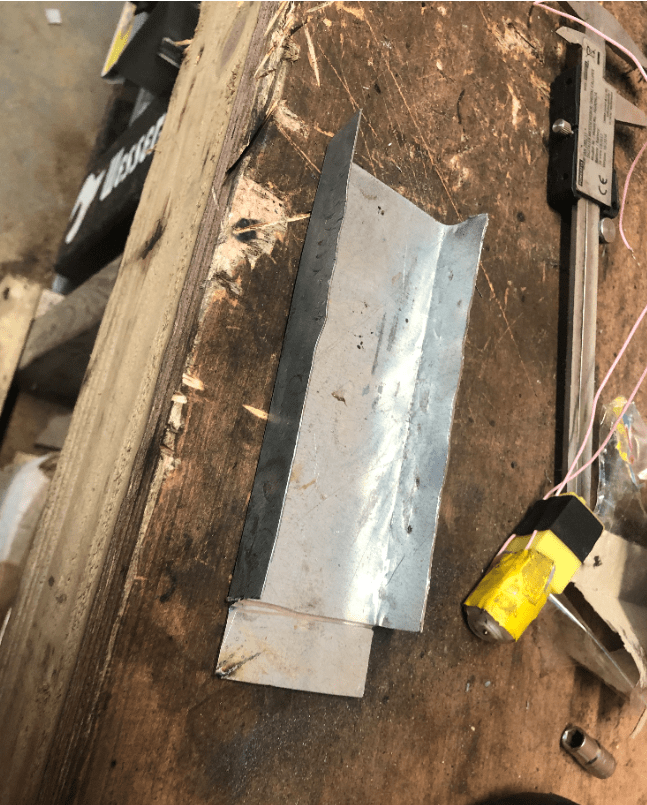
I then began on the frame construction by measuring the necessary dimensions. I opted for a frame which was 55 mm wide, 20 mm high. The length would be finalized later in order to make the robot as short as possible. This was the minimum size which allowed me to fit the motors, wheels and switch while allowing sufficient space for wiring to be routed through. Once i settled on the dimensions, I marked the required lines on 1 mm galvanized plate and cut them with the angle grinder. I drilled the nescessary holes to allow the motors and switch to be fitted. The motors were held in situ with 4 small self tapper screws. I was planning on securing the switch with epoxy however the tightness of the hole provided sufficient support.
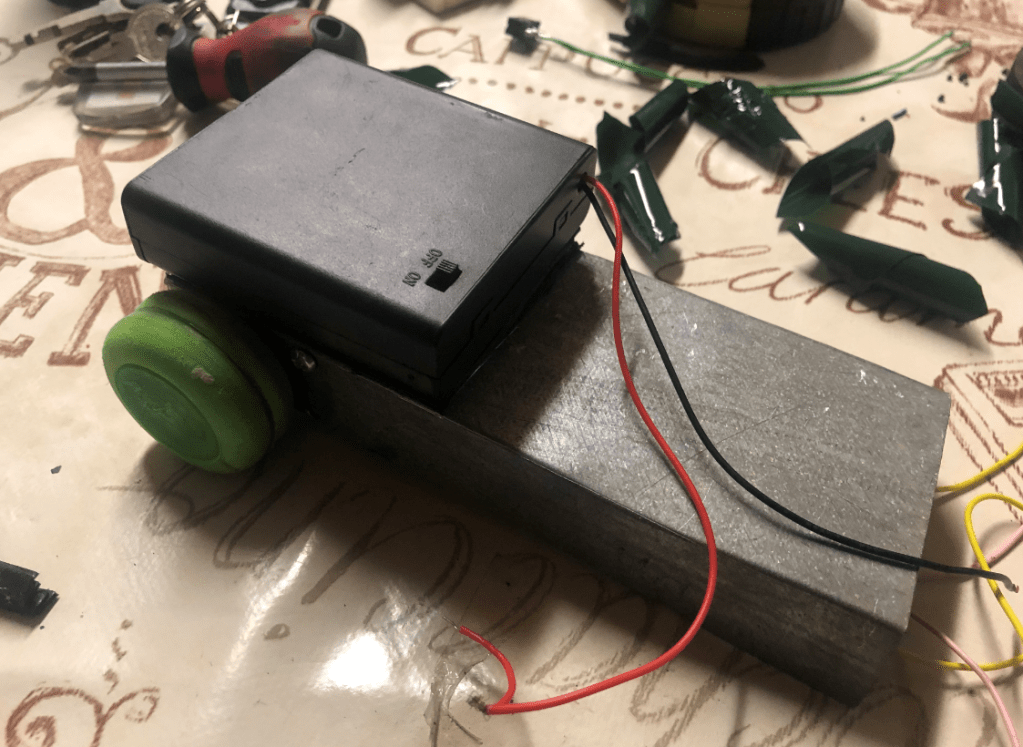
With the motors mounted, i focused on building a small rear axle to support the rear of the robot. I found a metal coat hangar and a small model car wheel which could be used. I drilled two holes at the rear of the chassis to support the axle and a slot in the rear of the body to clear the rear wheel. I passed the axle through the holes on the chassis and the center of the wheel. I then secured the axle by bending both ends over. When the wheels were pushed on, the rolling chassis was complete. I then mounted the battery pack over the chassis with double sided tape and mounted the breadboard to that, with the rangefinder mounted centrally, facing forward. Once all the components were mounted, I routed the motor and switch wires through the chassis and connected them to the arduino.
At this point I had to test the robot as it was the first time it was able to move. Unfortunately the range finder was not working properly for an unknown reason however I did not have the time to investigate the issue at that point but i knew we would have time to solve the problem in the class on Wednesday
In class, I showed the robot to Ben and Billy and explained that the rangefinder was not behaving properly. Luckily, all that was needed was for the coding to be reloaded onto the arduino. At this point, we had a fully functional robot and all pressure was off for this week because of how well we had worked together. We tested the robot with the can and we were confident going into week 5 as our robot was already proven.
What we noticed was it was a bit unreliable hitting the reverse switch so i thought it would be a good idea to add a ‘bumper’ to it so that it would reverse more reliably when it had tipped the can. We also finalised our decision on the wheels and motors for the final build and placed the order online as we wanted the parts as soon as possible so we could progress as quickly as we had up to this point.
 John Fernihough's RoboSumo